
Wedding day photo video coordination is the process of aligning your photography and videography teams so every key moment gets captured without conflict, overlap, or missed shots. When photographers and videographers operate from a shared plan, the result is a complete, emotionally rich record of your day. Without that plan, the two teams can crowd each other, duplicate shots, or pull you in opposite directions during the most important moments. The good news is that effective coordination comes down to three things: early booking, a realistic timeline, and clear communication.
How to start your wedding day photo video coordination
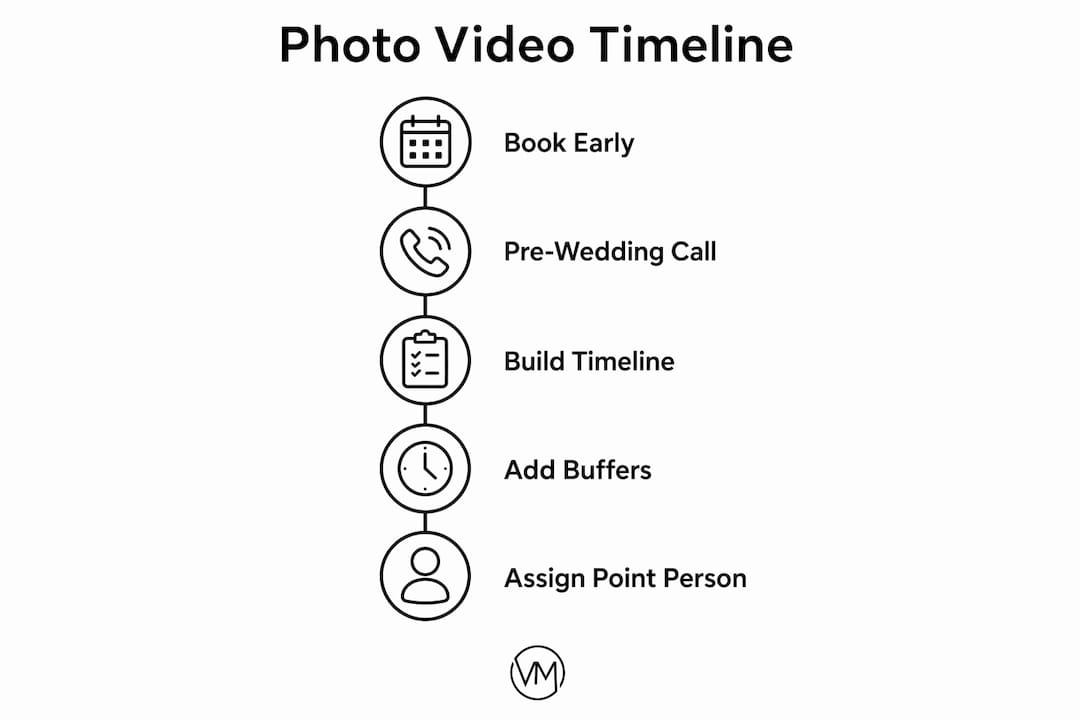
The single most important coordination decision you make happens before your wedding day even gets close. Book your videographer 9–12 months in advance, and begin formal coordination between your photo and video teams 2–3 months before the wedding. That early window gives both teams time to align on shot priorities, technical needs, and creative vision before the pressure of the day arrives.

Photographers capture decisive still moments. Videographers focus on motion, sound, and narrative flow. These are different artistic focuses that require pre-wedding communication to prevent conflicts on the day. A pre-wedding call between your photo lead and video lead, where they discuss who takes the lead on which moments, prevents crowding and duplication.
Here is what that early coordination should cover:
- Shot list review: both teams confirm which moments each will prioritize
- Technical alignment: discuss lighting rigs, audio equipment, and camera positions that could interfere
- Timeline review: both teams flag any scheduling concerns before the day
- Point person assignment: identify who on your team handles vendor questions on the day
Pro Tip: Ask your photographer and videographer to get on a 30-minute call together at least six weeks before your wedding. Most couples never arrange this, and it is the single fastest way to prevent day-of friction.
How to build a timeline that works for both photo and video
A strong wedding day timeline starts at the end and works backward. Build your schedule from two fixed anchors: your ceremony start time and sunset. Sunset defines your golden hour portrait window, which is the most flattering natural light of the day. Protecting that window is non-negotiable for both photography and videography.
Once you have those anchors, add your events and then build in buffer time around each one. Realistic buffer planning prevents the chronic timeline drift that pressures vendors and degrades coverage quality. Use these buffer guidelines:
- Transitions within the same venue: add 5–10 minutes
- Travel between locations: add 10–20 minutes
- Family formal portraits: block 20–30 minutes minimum
- Getting-ready coverage: add 15 minutes beyond what you think you need
- Ceremony to cocktail hour transition: add 10 minutes for equipment repositioning
| Timeline block | Recommended buffer |
|---|---|
| Within-venue transitions | 5–10 minutes |
| Travel between locations | 10–20 minutes |
| Family formal portraits | 20–30 minutes |
| Getting-ready coverage | 15 minutes extra |
| Ceremony to cocktail hour | 10 minutes |
Once your timeline is built, share it with every vendor, including your florist, caterer, and DJ. Vendors who know the full schedule can flag conflicts before they happen. A well-structured videography timeline also gives your cinematographer the context to plan camera positions and lighting setups in advance.
Pro Tip: Print a physical copy of the timeline and give it to your point person on the morning of the wedding. Phones die, apps crash, and paper never does.
What makes photo and video teamwork actually work on the day
The best coordination tool on your wedding day is a single point person. Assigning one person to handle all vendor questions keeps the couple present and vendors moving efficiently. This person does not need to be a professional planner. A trusted family member or wedding party member who knows the timeline works well.
Beyond the point person, pre-agreed shot priorities are what separate smooth coverage from chaotic coverage. Pre-wedding calls between leads to allocate who leads on which shots during key events avoid duplication and crowding. For example, during the first dance, the photographer typically moves around the couple while the videographer holds a steady wide shot. That agreement, made in advance, means neither team blocks the other.
A few practical habits that keep teams aligned:
- The photographer moves; the videographer holds position during ceremony key moments
- Both teams confirm audio check positions before the ceremony starts
- The video lead signals the photo lead before repositioning during a key shot
- Wedding event management principles apply here: clear roles, clear handoffs, and no surprises
Mutual respect between teams matters more than any tool or technique. Teams that have worked together before, or that have spoken before the day, default to collaboration rather than competition when things get tight.
Common pitfalls in coordinating photo and video teams
Timeline drift is the most common problem in photo and video coordination. Couples underestimate how long family portraits take, how far the venue is from the ceremony site, or how long hair and makeup runs. Each small delay compounds, and by the time golden hour arrives, there is no time left for portraits.
The second most common problem is a missing point person. Without one designated contact, vendors interrupt the couple with questions, the timeline slips further, and coverage suffers. The third problem is competing priorities with no pre-agreed resolution. When both teams want the same position for the first kiss, someone loses.
Avoid these pitfalls with four concrete steps:
- Build buffer time into every transition, not just the big ones
- Assign your point person at least two weeks before the wedding and brief them on the timeline
- Ask your photo and video leads to submit a brief written plan for their coverage of the ceremony
- Use your vendor selection process to screen for teams that have worked together or have a track record of collaboration
Early vendor collaboration leads to better storytelling and fewer on-the-day issues because all key players understand the day's flow before it starts.
Key Takeaways
Effective wedding day photo video coordination requires early booking, a buffer-rich timeline, and one designated point person to keep vendors aligned and couples present.
| Point | Details |
|---|---|
| Book early | Secure your videographer 9–12 months out to allow full creative alignment. |
| Build backward | Start your timeline from ceremony and sunset times, then add buffer at every transition. |
| Assign a point person | One contact for all vendor questions keeps the couple free and logistics moving. |
| Pre-agree shot priorities | A pre-wedding call between photo and video leads prevents crowding and duplication. |
| Share the timeline | Every vendor, not just photo and video, should receive the full day schedule in advance. |
Why coordination is the part most couples get wrong
Couples spend months choosing their photographer and videographer separately, then assume the two teams will figure it out on the day. They rarely do, at least not without friction. I have seen beautiful weddings where the golden hour portraits were cut to eight minutes because family formals ran long and nobody had built in a buffer. The photos were still good. They could have been extraordinary.
The insight most couples miss is that coordination is not about managing vendors. It is about giving your teams the conditions to do their best work. A videographer who knows the timeline, has spoken to the photographer, and has a clear point person to answer questions on the day is free to focus entirely on storytelling. That focus shows up in the final film.
One thing I always tell couples: fill out a detailed questionnaire with your video team before the wedding. The Visualizemedia wedding questionnaire exists precisely for this reason. It forces you to articulate your priorities, and it gives the team a reference document that replaces a dozen back-and-forth emails. The couples who do this consistently report a calmer, more present experience on the day itself.
Trust your teams. Brief them well. Then let them work.
— Anthony
Visualizemedia's approach to wedding photo and video planning
Coordinating two separate creative teams is one of the most stressful parts of wedding planning. Visualizemedia removes that friction by building coordination into every package from the start.
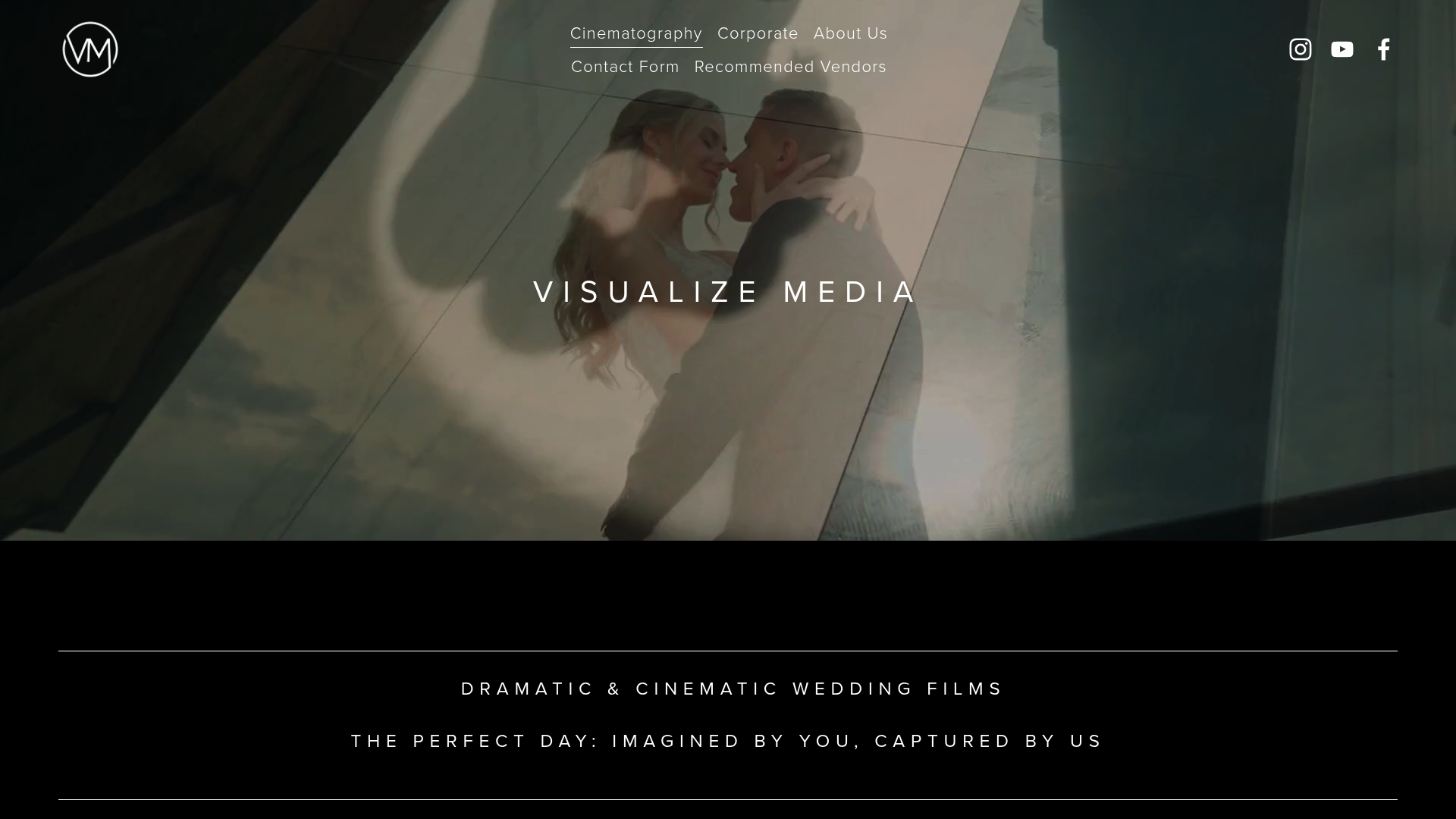
Every Visualizemedia couple goes through a pre-wedding planning process that covers shot priorities, timeline review, and day-of logistics before the wedding date arrives. The team handles multi-camera coverage, aerial footage, and color grading as part of a complete cinematic package. You get one team, one shared plan, and one film that tells your full story. See the full range of wedding cinematography services for New York and New Jersey couples, or follow the work on Instagram to see how coordinated coverage translates to film.
FAQ
When should I start coordinating my photo and video teams?
Start formal coordination 2–3 months before your wedding, but book your videographer 9–12 months in advance to allow full alignment on priorities and technical needs.
How much buffer time should I add to my wedding timeline?
Add 5–10 minutes for within-venue transitions, 10–20 minutes for travel between locations, and 20–30 minutes for family formal portraits.
Do my photographer and videographer need to meet before the wedding?
A pre-wedding call between your photo lead and video lead to discuss shot priorities and positions significantly reduces on-the-day conflicts and improves coverage quality.
What does a wedding day point person actually do?
The point person handles all vendor questions and timing logistics on the day, keeping the couple free from interruptions and vendors moving on schedule.
Can a Super 8 camera be used alongside digital video at a wedding?
Yes. Super 8 film cameras are used by some cinematographers to capture warm, grainy footage of key moments like the first dance or getting-ready scenes, adding a nostalgic texture that complements digital coverage when planned into the timeline in advance.